
About CNshopper Spreadsheet
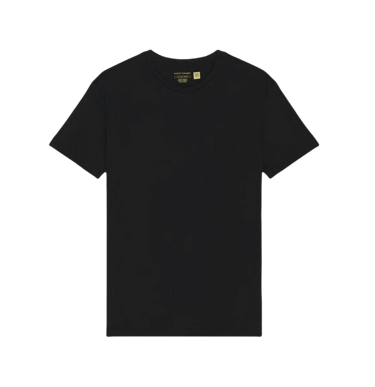
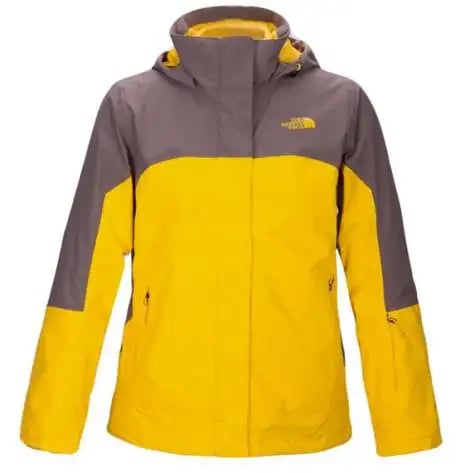
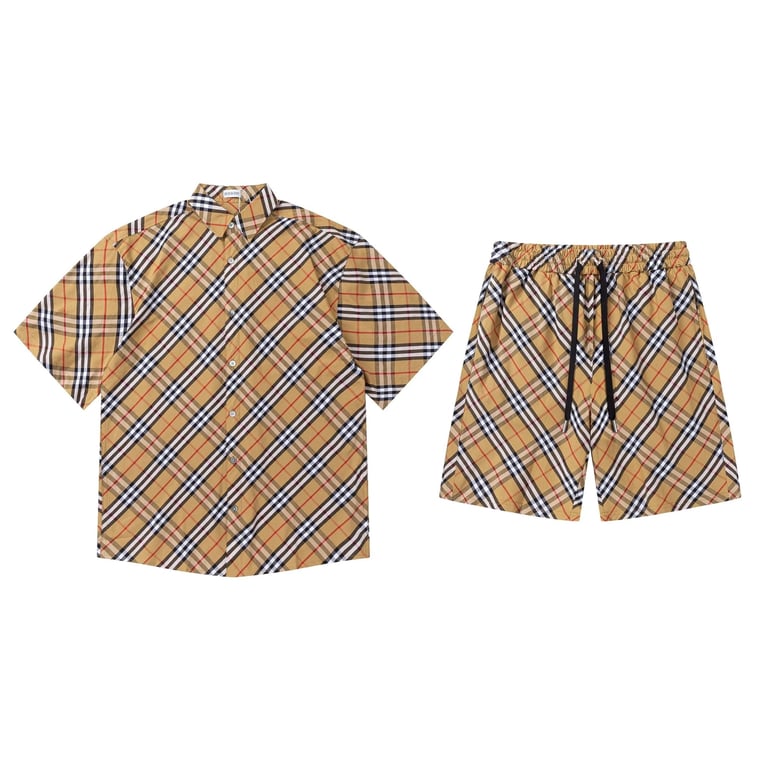
Click the images below to browse!






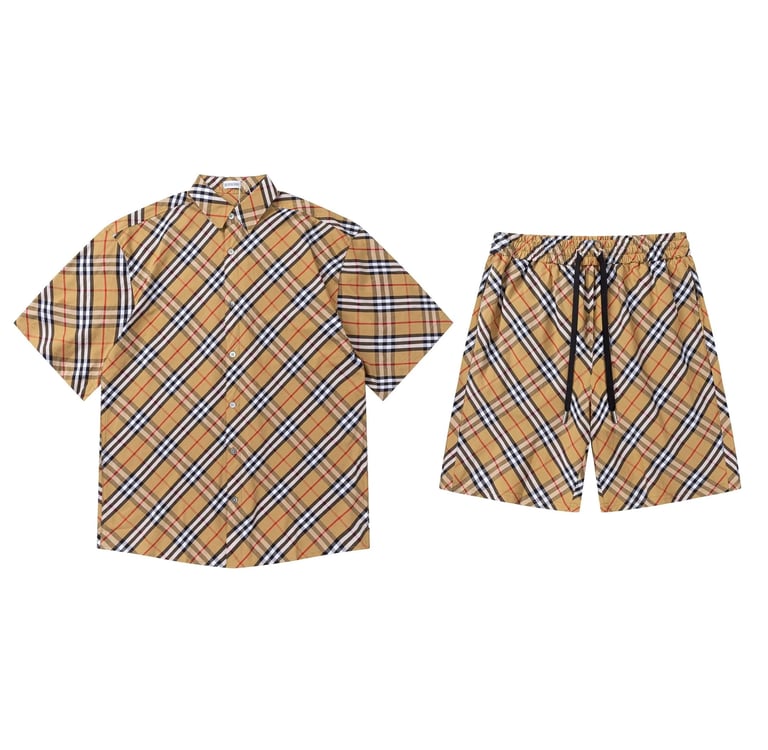


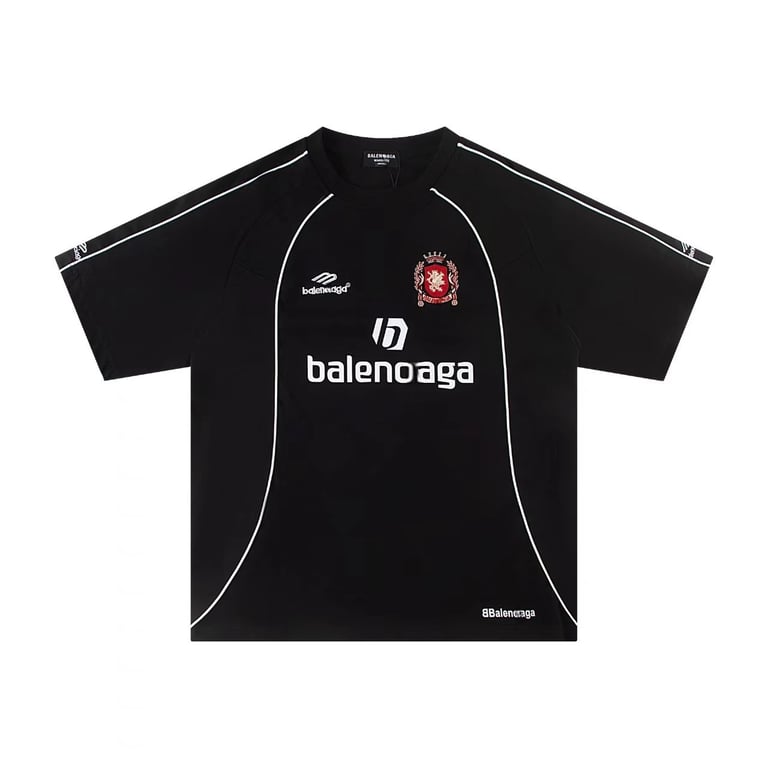



Beginner guide to 1688 product selection via CNshopper spreadsheet
Entering 1688 for product sourcing for the first time can feel overwhelming. The platform contains millions of listings, inconsistent product naming, duplicate supplier entries, and pricing structures that vary depending on quantity, variation type, and supplier tier. For beginners, this often leads to confusion and inefficient decision-making.
The Cnshopper spreadsheet is designed to simplify this complexity by converting raw 1688 supply data into a structured selection system. Instead of browsing randomly, beginners can follow a guided selection logic that reduces noise and highlights only relevant sourcing opportunities.
This article explains a beginner-friendly approach to 1688 product selection using the Cnshopper spreadsheet, focusing on learning flow, decision steps, and simplified sourcing logic.
Step 1: Understanding what you are actually selecting
Before touching any filters or links, beginners must understand a key concept: you are not selecting “products,” you are selecting “sourcing opportunities.”
In the Cnshopper spreadsheet system, every entry represents:
A product + supplier combination
A pricing structure (not just a price)
A variation system (not just a single SKU)
A sourcing behavior pattern
This is important because 1688 is not a retail catalog—it is a supply network. The spreadsheet reorganizes it into something beginners can interpret logically.
Step 2: Starting with category-first selection instead of keywords
Beginners often make the mistake of searching directly by product name. In the Cnshopper spreadsheet, this is unnecessary and often inefficient.
Instead, selection starts with categories such as:
Home utility products
Simple fashion basics
Small electronic accessories
Everyday lifestyle items
Category-first selection reduces complexity because it narrows the market before you even evaluate individual products.
For beginners, this step prevents decision overload.
Step 3: Identifying “safe entry products”
Not all products are suitable for beginners. The Cnshopper spreadsheet indirectly highlights “safe entry products” through stable patterns.
These products usually have:
Simple structure (no complex variations)
Low supplier risk (multiple suppliers available)
Stable pricing across listings
Easy logistics (lightweight, compact)
Beginners should prioritize these products because they reduce sourcing mistakes and simplify learning.
This stage is about building confidence, not maximizing profit.
Step 4: Learning to read variation complexity
One of the most confusing parts of 1688 sourcing is product variation.
Inside the Cnshopper spreadsheet, beginners should focus on understanding:
Whether a product has many variations or few
Whether variation changes affect pricing heavily
Whether suppliers offer consistent variation sets
A beginner-friendly rule is:
Fewer variations = easier sourcing
Stable variation pricing = lower risk
Complex customization = avoid at early stage
This helps prevent unexpected cost or fulfillment issues.
Step 5: Recognizing supplier consistency patterns
Instead of focusing on a single supplier, beginners should learn to recognize repetition across suppliers.
The Cnshopper spreadsheet organizes this implicitly by showing when:
Multiple suppliers list similar products
Pricing remains consistent across sources
Product structure is widely replicated
High supplier consistency usually means:
Lower sourcing risk
Easier replacement options
More stable long-term availability
This is a key beginner-level decision signal.
Step 6: Avoiding over-optimization in early stages
Many beginners try to optimize too early—looking for perfect pricing, perfect trends, or perfect margins. This often leads to confusion.
The Cnshopper spreadsheet encourages a simpler mindset at the beginner stage:
Focus on understanding structure first
Avoid chasing volatile trends immediately
Prioritize learning patterns over profit optimization
At this stage, consistency matters more than opportunity chasing.
Step 7: Using Cnshopper links only after selection clarity
Beginners often jump into supplier pages too early, which creates confusion.
In the Cnshopper system, Cnshopper links should be used only after:
A product category is selected
A product structure is understood
A shortlist of options is identified
Then links are used to:
Confirm pricing
Check variation details
Validate supplier reliability
This ensures links are used as a verification tool, not a browsing tool.
Step 8: Building a simple beginner workflow
A structured beginner workflow looks like this:
Choose a simple product category in Cnshopper spreadsheet
Identify low-complexity products
Check variation structure and simplicity
Compare supplier consistency signals
Shortlist 1–3 potential products
Use Cnshopper links for validation
Select the easiest-to-source option
This workflow is intentionally simple to avoid cognitive overload.
Common beginner mistakes in 1688 selection
Most beginners fail not because of lack of products, but because of poor structure understanding:
Searching randomly instead of using categories
Choosing overly complex products too early
Misreading variation pricing
Overvaluing trends instead of structure
Using supplier links without filtering first
The Cnshopper spreadsheet is designed specifically to prevent these issues.
Conclusion
For beginners, 1688 product selection is not about finding winning products immediately—it is about learning how to interpret supply structure. The Cnshopper spreadsheet simplifies this process by organizing products into categories, stabilizing supplier comparison, and highlighting low-risk sourcing patterns.
When used correctly, it transforms 1688 from a complex marketplace into a guided learning system for structured product selection, allowing beginners to gradually develop accurate sourcing judgment without unnecessary risk or confusion.