
CNshopper Finds
Spreadsheet
OVER 5000+
WITH QC PHOTOS
Click the images below to browse!


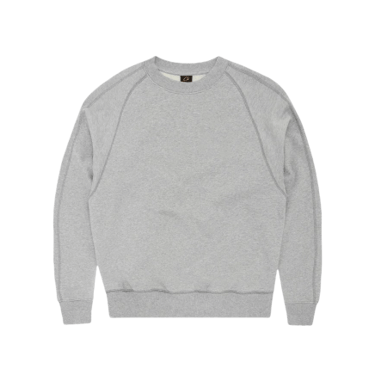
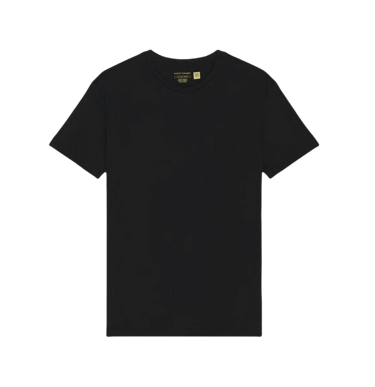
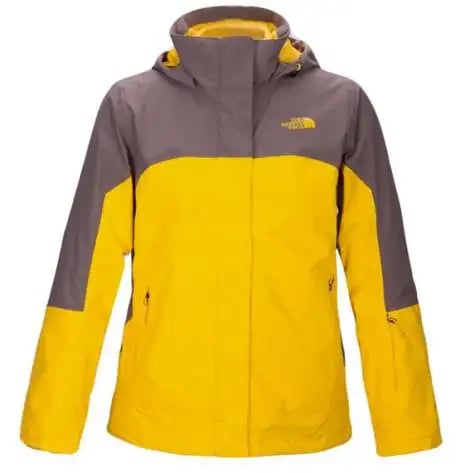

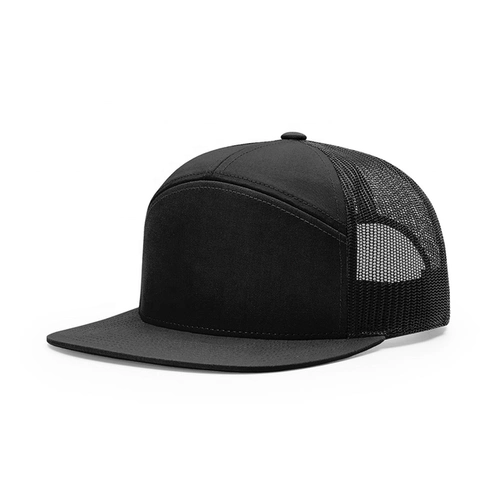
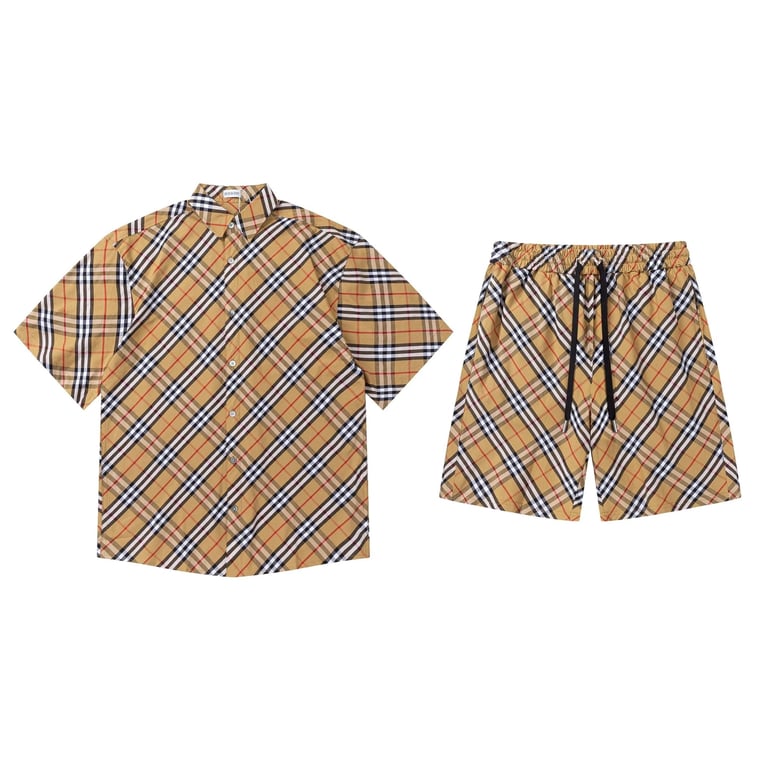
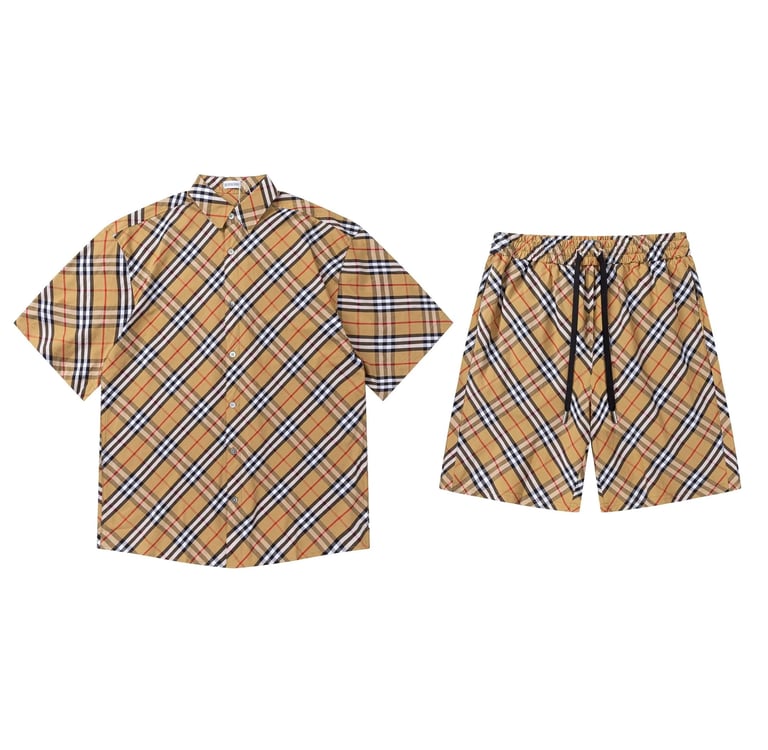
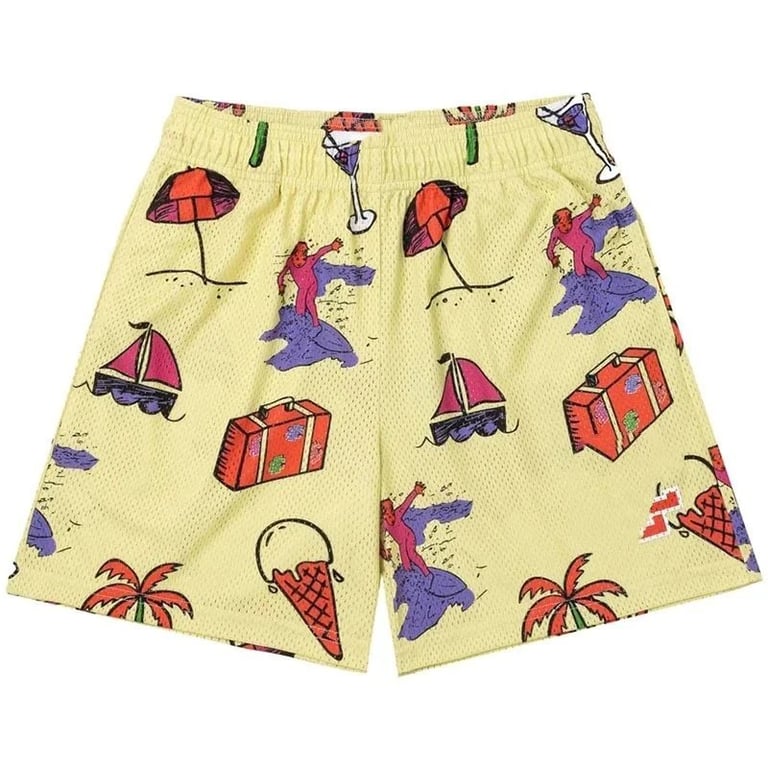
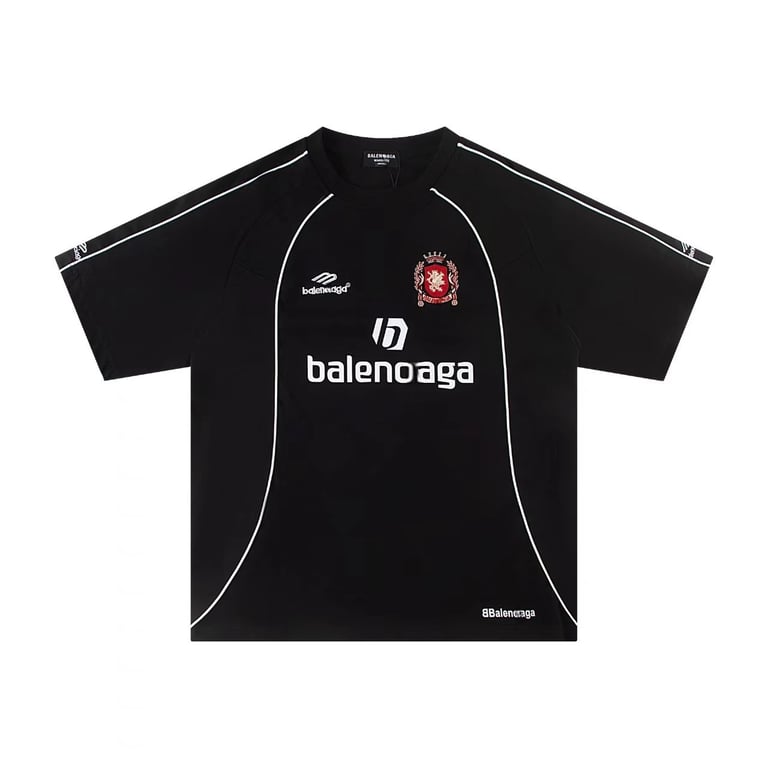



How CNshopper spreadsheet organizes 1688 product listings
In cross-border ecommerce sourcing, platforms like 1688 contain an enormous volume of products, but raw access alone does not guarantee usability. The main challenge for sellers is not availability—it is organization. Without structure, product discovery becomes noisy, repetitive, and inefficient, especially when multiple suppliers list similar items with different pricing, variations, and shipping conditions.
The Cnshopper spreadsheet solves this problem by transforming fragmented 1688 listings into a structured product directory. Instead of browsing supplier pages individually, users interact with organized datasets that group, classify, and standardize product information for faster sourcing decisions.
This article explains how the Cnshopper spreadsheet organizes 1688 product listings and turns them into a usable sourcing directory system.
Understanding the role of 1688 in Cnshopper system
1688 is one of the largest wholesale sourcing platforms, but its structure is not designed for cross-border sellers directly. Listings are:
Highly fragmented across suppliers
Inconsistent in naming and categorization
Repeated across multiple factories with variations
Often optimized for domestic wholesale buyers
The Cnshopper spreadsheet acts as a normalization layer, converting raw 1688 product data into structured entries that can be analyzed, compared, and filtered efficiently.
Step 1: Standardizing product naming and classification
One of the first organizational steps in the Cnshopper spreadsheet is standardization.
Products from 1688 are often listed with inconsistent naming formats, so the system restructures them into:
Unified product categories (e.g., home, fashion, electronics)
Simplified product identifiers
Grouped functional descriptions rather than supplier-specific titles
This makes it easier for users to compare similar products across different suppliers without confusion caused by naming variations.
Standardization is the foundation of any scalable product directory system.
Step 2: Grouping identical and similar products
A major challenge in 1688 sourcing is duplication. The same product may appear across dozens of suppliers with slight differences.
The Cnshopper spreadsheet solves this by grouping:
Identical products from multiple suppliers
Visually similar variations (same design, different materials or colors)
Functional equivalents across different factories
This grouping allows users to evaluate a product “family” instead of isolated listings.
It also helps identify which suppliers are most competitive for the same item.
Step 3: Structuring supplier comparison layers
Instead of listing products individually, the Cnshopper spreadsheet builds a comparison structure.
Each product entry may include:
Multiple supplier options
Price range variations across factories
Differences in minimum order quantities
Variation availability comparisons
This structured layout helps users immediately see which supplier offers the most efficient sourcing conditions without opening multiple pages.
Supplier comparison becomes a built-in function rather than a manual task.
Step 4: Integrating pricing normalization logic
Pricing on 1688 is often inconsistent due to bulk pricing, variation-based pricing, and supplier-specific discounts.
The Cnshopper spreadsheet normalizes this by:
Converting pricing into comparable ranges
Highlighting bulk vs single-unit differences
Standardizing variation pricing impact
Flagging unusually low or high price deviations
This allows users to understand true cost structure instead of isolated numbers.
Normalization is critical for cross-border buyers who rely on stable pricing models.
Step 5: Categorization based on sourcing behavior
Beyond product type, the Cnshopper spreadsheet also categorizes listings based on sourcing behavior.
Examples include:
Fast-moving repeat products (high turnover)
Stable long-term supply items
Seasonal or event-driven products
Emerging variation-heavy products
This behavioral categorization helps users understand not just what a product is, but how it behaves in the supply chain.
It also improves decision-making for different sourcing strategies.
Step 6: Linking listings with Cnshopper links system
Each structured product entry in the Cnshopper spreadsheet is connected to Cnshopper links, which provide direct access to supplier pages.
Through these links, users can:
Open original 1688 supplier listings
Validate real-time pricing and stock
Check full product variation sets
Compare supplier-level differences instantly
This integration ensures the spreadsheet is not static data, but an active sourcing interface.
Step 7: Filtering 1688 listings for cross-border usability
Not all 1688 products are suitable for global selling. The Cnshopper spreadsheet filters listings based on:
Shipping feasibility
Product size and logistics efficiency
Variation complexity
Supplier reliability signals
This filtering ensures that only cross-border viable products remain in the structured directory.
It reduces unnecessary browsing and improves sourcing accuracy.
Common mistakes in raw 1688 sourcing
Without structured organization, users often face issues such as:
Selecting duplicate or near-identical products unknowingly
Misinterpreting pricing due to bulk-only structures
Ignoring supplier variability
Overlooking shipping constraints for global markets
Relying on unstructured browsing instead of data-driven filtering
The Cnshopper spreadsheet is designed specifically to eliminate these inefficiencies.
Practical workflow for using Cnshopper 1688 directory
A structured workflow includes:
Browse categorized 1688 listings in Cnshopper spreadsheet
Identify grouped product families
Compare supplier options within each group
Analyze normalized pricing structures
Filter based on cross-border suitability
Validate using Cnshopper links
Select optimized supplier-product combinations
This workflow transforms chaotic 1688 browsing into structured sourcing logic.
Conclusion
The Cnshopper spreadsheet organizes 1688 product listings by standardizing data, grouping similar products, normalizing pricing, and integrating supplier comparison logic. Instead of dealing with fragmented and inconsistent listings, users gain access to a structured product directory designed for cross-border ecommerce efficiency.
When combined with Cnshopper links, it becomes a complete sourcing system that connects organized data with real supplier environments, enabling faster and more accurate product selection from 1688.


Using CNshopper links for faster 1688 sourcing workflow
In 1688 sourcing, speed determines everything. Prices change quickly, suppliers duplicate trending products within days, and high-demand items often become saturated before most sellers even finish manual comparison. The biggest bottleneck is not product availability, but the time it takes to move from discovery to supplier validation.
The Cnshopper links system is built to eliminate this delay by creating direct navigation paths from structured product data inside the Cnshopper spreadsheet to real 1688 supplier pages. Instead of searching manually across multiple listings, users can instantly access product sources, compare suppliers, and validate sourcing conditions in a single streamlined workflow.
This article explains how to use Cnshopper links to accelerate 1688 sourcing workflows, focusing on speed optimization, click-based navigation, and real-time supplier validation.
Why traditional 1688 sourcing is slow
In a typical sourcing process, users must:
Search keywords manually on 1688
Filter through multiple supplier listings
Open several product pages separately
Compare pricing and variations one by one
Recheck stock and shipping conditions manually
Each step adds friction, and in fast-moving markets, even small delays can result in missed opportunities or outdated pricing decisions.
The Cnshopper links system removes these steps by connecting structured spreadsheet entries directly to supplier environments.
Step 1: Starting from structured product discovery in Cnshopper spreadsheet
The workflow begins inside the Cnshopper spreadsheet, where products are already:
Categorized by type and market behavior
Filtered for sourcing relevance
Grouped by supplier similarity
Tagged with pricing and variation signals
This means users do not start from a blank search—they start from curated sourcing intelligence.
Once a product is selected, the Cnshopper links provide the next step: direct access.
Step 2: One-click access to 1688 supplier pages
The core advantage of Cnshopper links is click-based navigation.
Instead of manually searching on 1688, users can:
Open exact supplier product pages instantly
Skip keyword search entirely
Avoid irrelevant or duplicated listings
Jump directly to verified sourcing sources
This reduces sourcing time from minutes to seconds per product.
In high-volume sourcing operations, this speed difference compounds significantly.
Step 3: Immediate validation of pricing and variations
Once inside the supplier page via Cnshopper links, users can immediately evaluate:
Real-time unit pricing
Bulk pricing tiers
Variation differences (size, color, material)
Promotional or temporary discounts
This eliminates the need for back-and-forth comparison across multiple search results.
More importantly, it ensures decisions are based on live supplier data rather than outdated spreadsheet snapshots.
Step 4: Fast supplier comparison using multiple links
Many products on 1688 are offered by multiple suppliers. The Cnshopper links system allows users to quickly:
Open multiple supplier pages for the same product
Compare pricing differences side-by-side
Evaluate shipping and MOQ variations
Identify the most cost-efficient supplier in real time
This structured comparison reduces sourcing risk and improves decision accuracy.
Instead of sequential browsing, users operate in parallel comparison mode.
Step 5: Reducing decision latency in sourcing workflows
Decision latency is one of the biggest hidden costs in ecommerce sourcing. It refers to the time between identifying a product and taking action.
The Cnshopper links system reduces this by:
Removing manual search steps
Eliminating repeated navigation across platforms
Providing instant supplier entry points
Standardizing sourcing flow across all product categories
As a result, users move faster from discovery → validation → decision.
Step 6: Enhancing workflow efficiency through UX optimization
Beyond speed, Cnshopper links improve overall user experience in sourcing workflows.
Key UX improvements include:
Reduced cognitive load (no keyword guessing required)
Consistent navigation structure across products
Predictable access patterns for suppliers
Fewer interruptions during sourcing sessions
This makes sourcing not only faster but also more stable and scalable for high-volume users.
Step 7: Integrating links with spreadsheet-based sourcing logic
The full value of Cnshopper links appears when combined with the Cnshopper spreadsheet.
The spreadsheet provides:
Product filtering and categorization
Pricing signals and variation structures
Supplier grouping and sourcing logic
The links provide:
Direct execution layer (supplier access)
Real-time validation layer
Multi-supplier comparison capability
Together, they form a two-layer system:
Structured discovery (spreadsheet)
Instant execution (links)
This architecture eliminates fragmentation in the sourcing workflow.
Common mistakes in 1688 sourcing workflows
Even with tools available, users often slow themselves down by:
Repeating manual keyword searches
Opening too many irrelevant supplier pages
Ignoring structured spreadsheet signals
Failing to use direct links efficiently
Comparing suppliers without standardized access flow
Avoiding these mistakes is critical for maintaining high-speed sourcing performance.
Practical workflow using Cnshopper links
A high-efficiency sourcing workflow includes:
Identify product in Cnshopper spreadsheet
Filter by category, price, and sourcing signals
Open supplier directly using Cnshopper links
Validate pricing and variation details instantly
Compare multiple suppliers in parallel
Select optimal sourcing option
Proceed to procurement or testing phase
This workflow minimizes friction at every stage.
Conclusion
The Cnshopper links system significantly accelerates 1688 sourcing workflows by eliminating manual search steps, enabling instant supplier access, and improving real-time validation efficiency. When integrated with the Cnshopper spreadsheet, it creates a complete sourcing pipeline from discovery to execution.
In competitive cross-border ecommerce environments, speed is not optional—it is a core advantage. This system ensures users can move faster, decide faster, and source more efficiently from 1688 with minimal operational friction.